

What is it?
Web File Preview is a free online tool. Upload your HTML site, theme demo or WordPress site files, and they open on a private link just like a real website. For developers, designers and freelancers, it’s the easiest way to get client feedback.
How it works
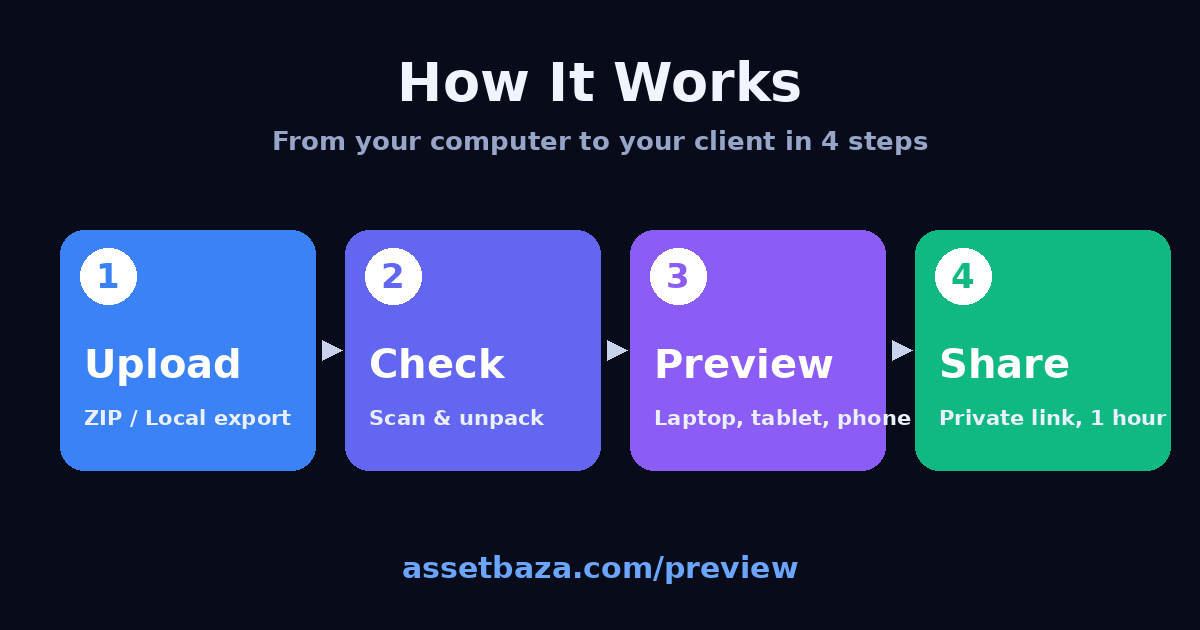
1️⃣ Upload: Drag and drop a ZIP, a WordPress Local export or a single file
2️⃣ Check: The tool scans and unpacks your files and removes anything a browser can’t use
3️⃣ Preview: Your site opens on a private link with laptop, tablet and phone frames
4️⃣ Share: Send the link to your client. Everything is deleted automatically after 1 hour
✨ Key features
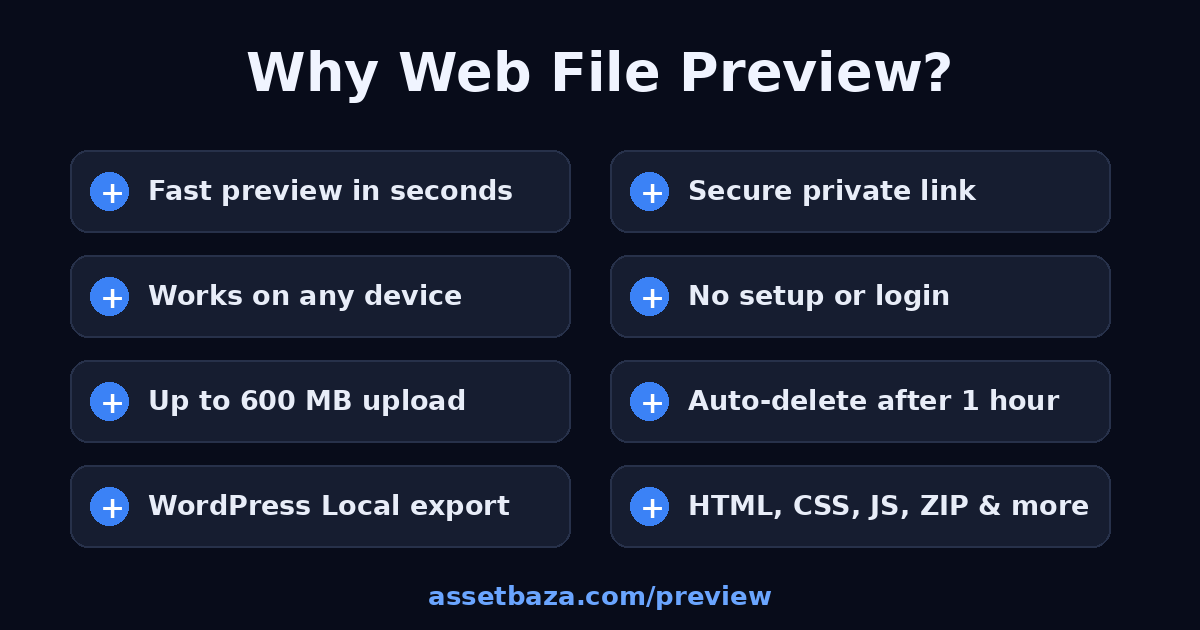
⚡ Fast preview in seconds
🔒 Secure private link
📱 Separate laptop, tablet and phone frames for responsive testing
🧰 No setup, installation or login
📦 Uploads up to 600 MB
🗑️ Link and files auto-delete after 1 hour
🧹 Server code (.php, .py, etc.) is never executed
🌐 WordPress Local export support
Previewing a WordPress site
- Local export: Upload the ZIP from the 3-dot menu in Local as it is. It is rendered on the server and saved as a static snapshot.
- Static export: Export with the Simply Static plugin using relative URLs, then upload that ZIP. This is the fastest and most reliable option.
Supported files
HTML, CSS, JS, JSON/XML, images (PNG, JPG, WebP, AVIF, SVG), fonts, video (MP4, WebM), audio (MP3, WAV), PDF, GLB/glTF, ZIP and TAR.GZ.
❌ Not supported: .wpress backups, stand-alone .sql files, .rar and .7z
Who is it for?
Freelancers, web developers, UI designers, theme and plugin authors, and students.
Security
Every preview lives on its own random link, expires after 1 hour, and upload limits help prevent abuse.

Frequently asked questions
Who is it for?
Freelancers, web developers, UI designers, theme and plugin authors, and students.